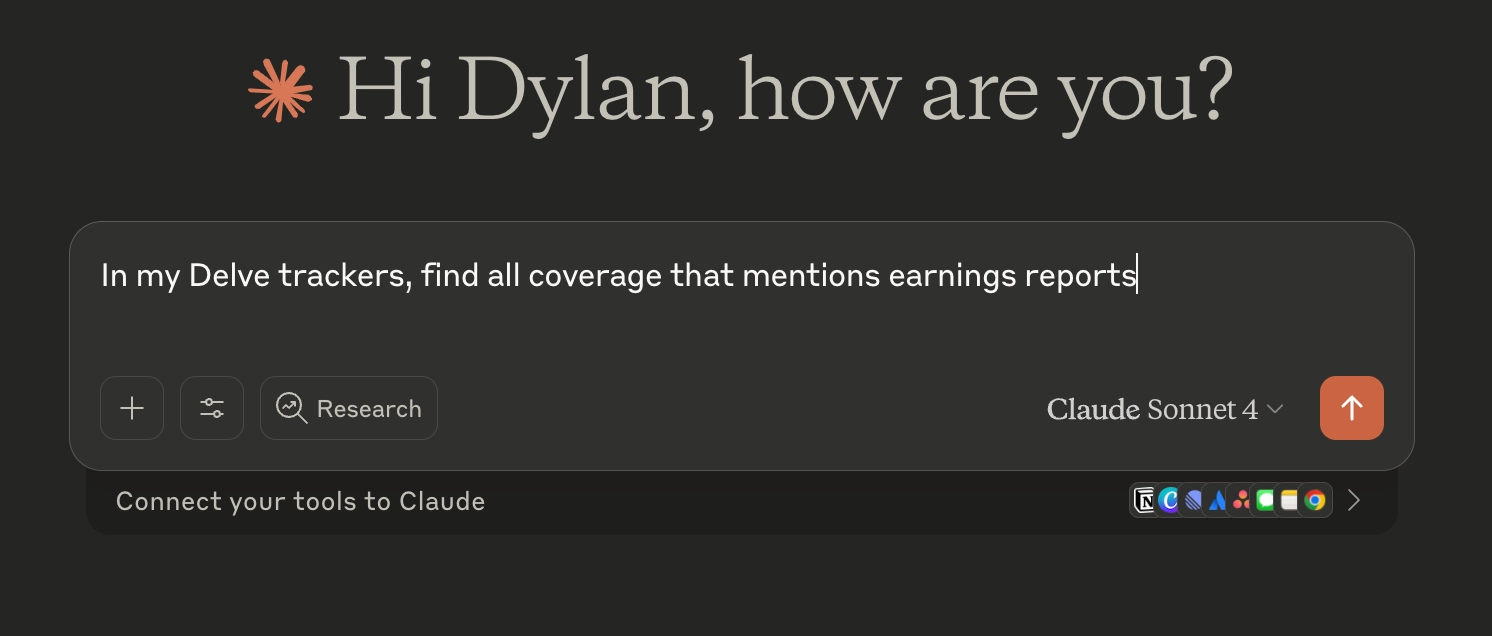
Connecting Claude (Web) to Delve
You’ll need to be on a paid Claude plan to use custom connectors like Delve on the web. You can use connectors in Claude Desktop for free.
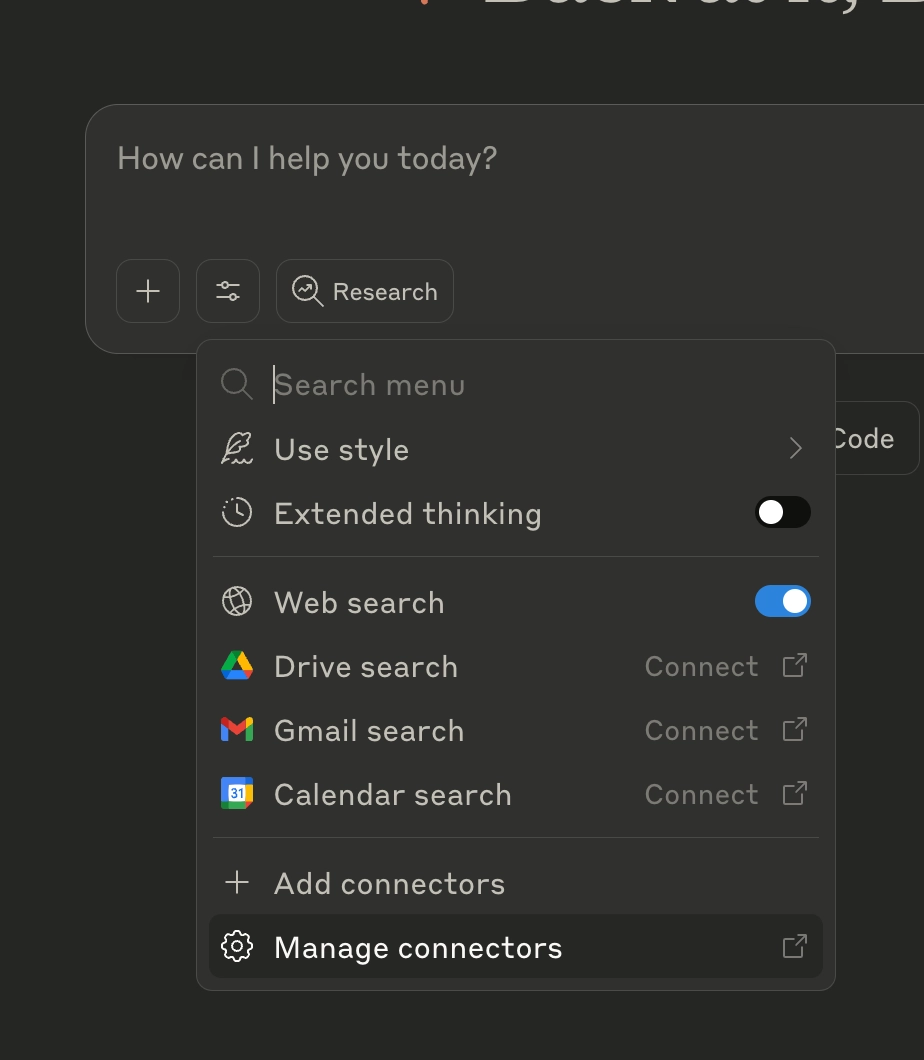
Click the settings icon below your chat, then select “Manage connectors”
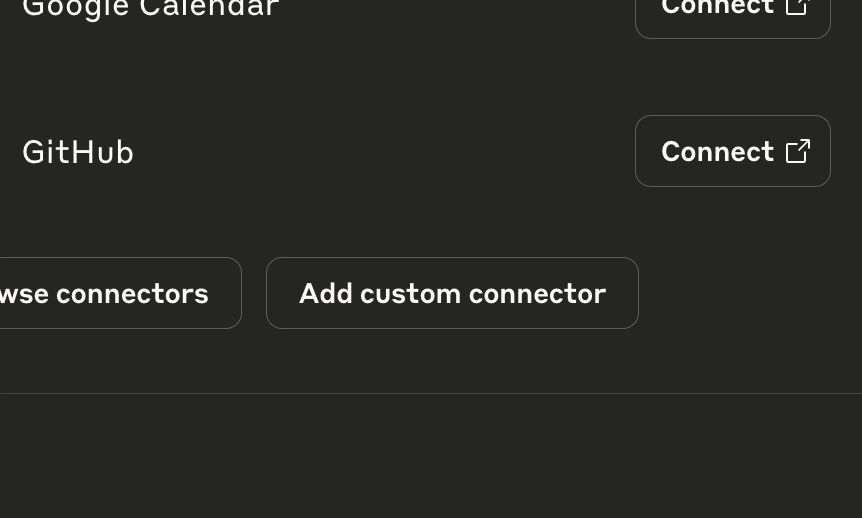
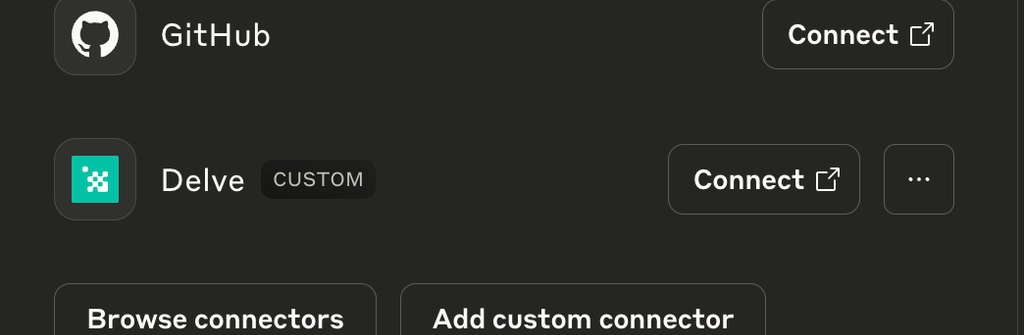
Scroll to the bottom, then “Add custom connector”
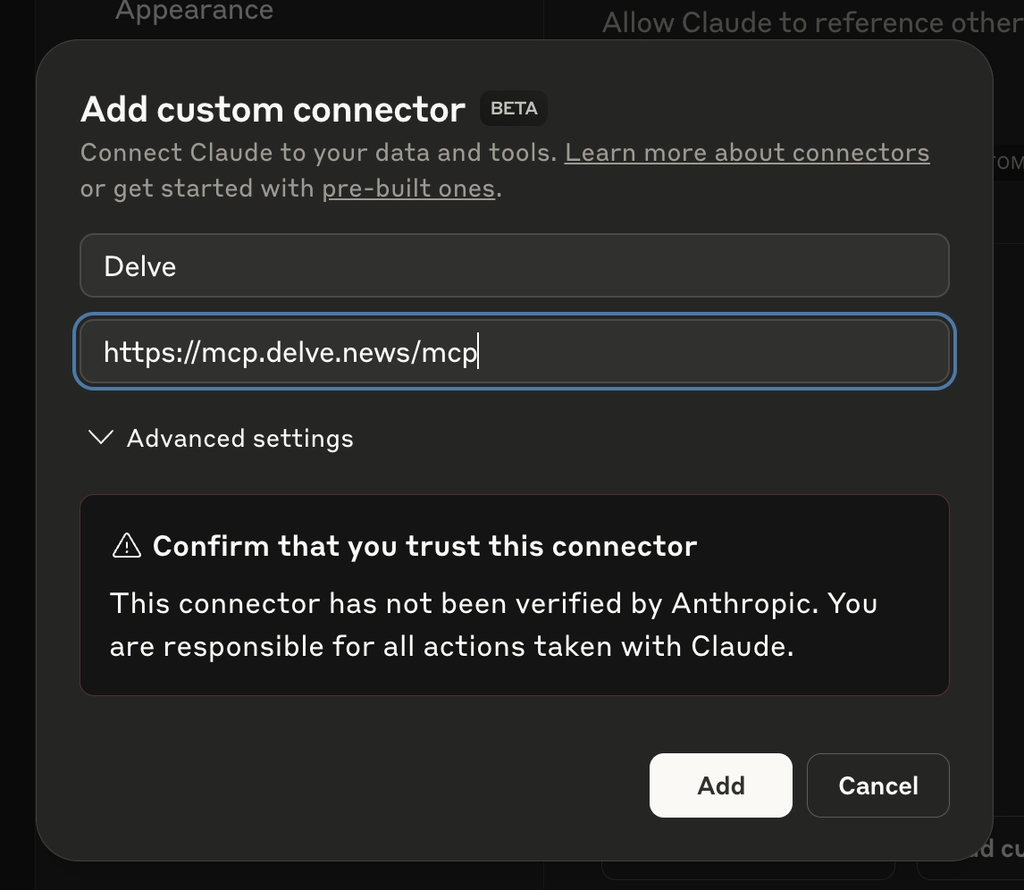
Give your Delve connector a name. In the “Remote MCP Server URL” field, enter:
https://mcp.delve.news/mcp
Leave other settings as-is, then click “Add”.
Click “Connect” on your new Delve connector
Grant Claude access to your Delve account.

You’re all set! Next time you start a chat session, Claude will have access to your Delve data.