Connecting Delve to ChatGPT: Developer Mode
ChatGPT’s interface and connector features change regularly; this page is up to date as of October 2025, but you may notice small UI differences from what’s described here.
Developer Mode is an opt-in beta feature in ChatGPT, allowing you to use full-featured custom connectors (”MCP servers”) instead of limiting access to basic search functionality. Make sure you trust any custom connectors used in Developer Mode; please read and understand OpenAI’s documentation before continuing.
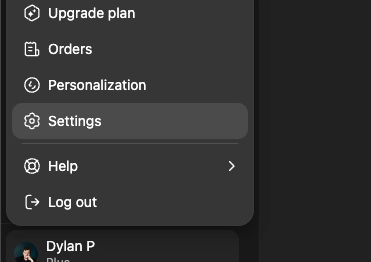
Click your profile in the bottom left of the screen, then “Settings”
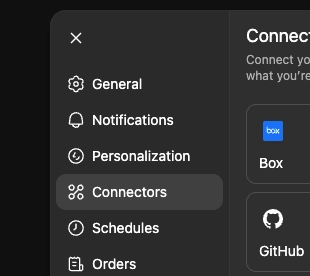
Click “Connectors”
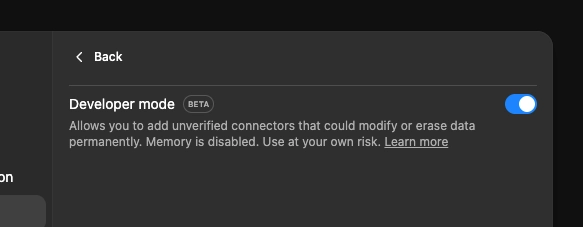
Scroll down, then click “Advanced settings” at the end of the list. Turn on “Developer mode”
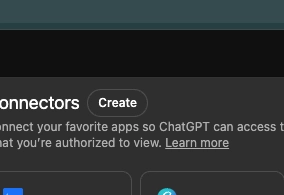
Go back, and select “Create” at the top of the page
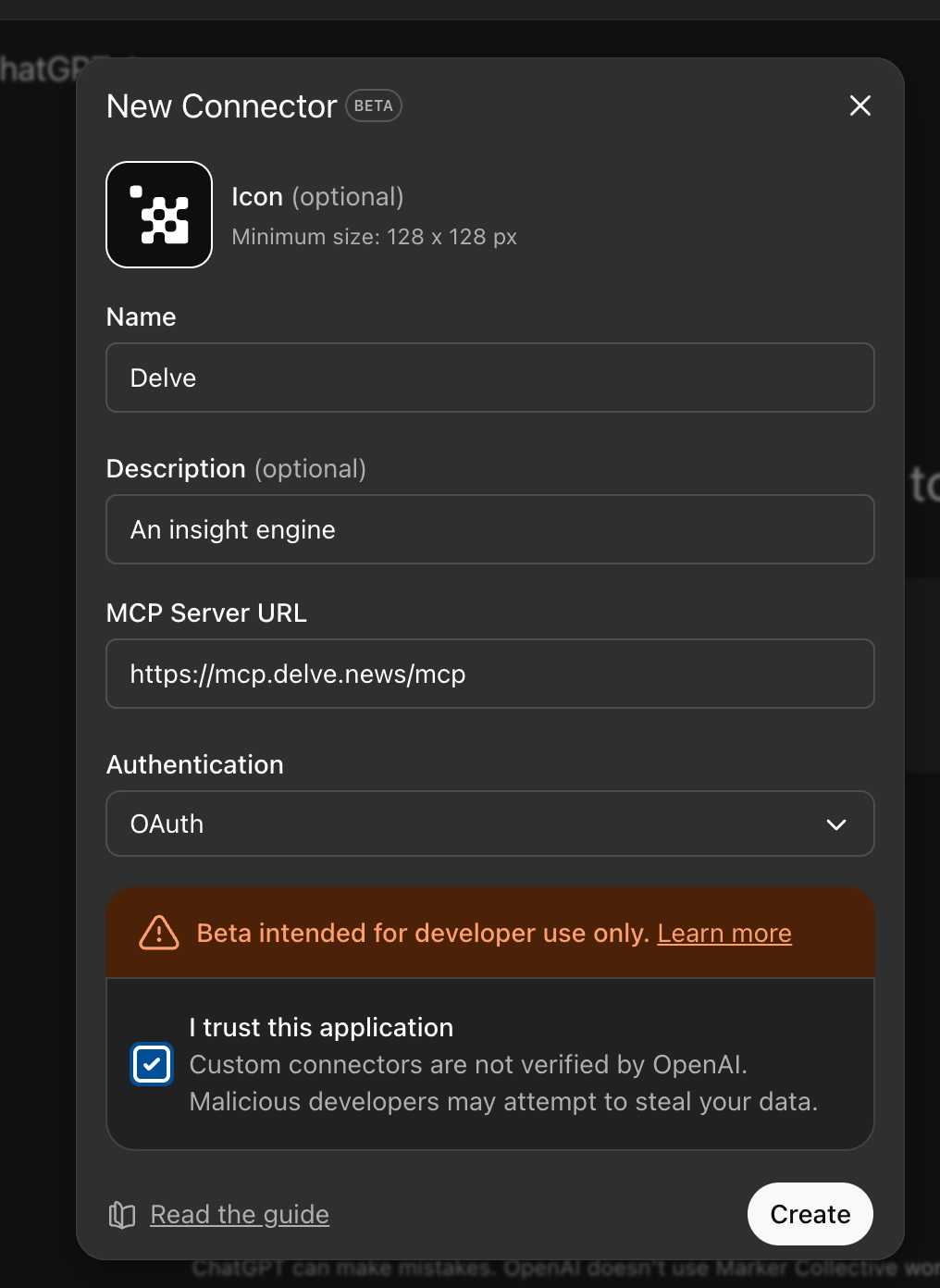
Give your Delve connector a name (and optional icon & description). In the “MCP Server URL” field, enter: https://mcp.delve.news/mcp
Leave other settings (Authentication) as-is, then click “Create”.
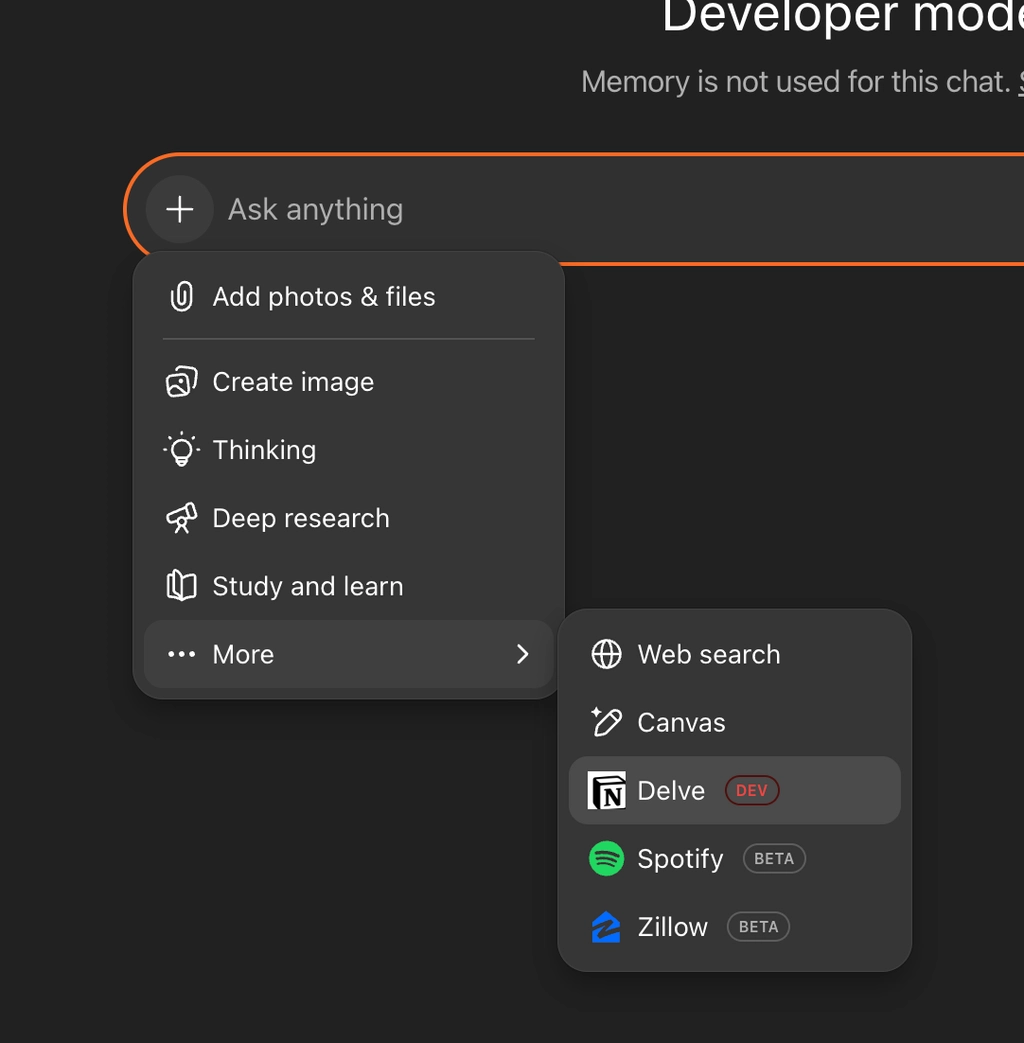
Start a new chat, select +, then “More”, then enable the Delve connector you just created.