Inbox Management
Once your searches and trackers are live, coverage will start flowing into your Inbox.
Think of the Inbox as your daily command center — a clean, intuitive space to review, filter, and decide what to track or archive. Instead of managing coverage in spreadsheets, Delve gives you a streamlined workflow to quickly cut through noise and focus on what matters.
We recommend clearing your Inbox at least once per day (ideally more if volume is high). Once an article enters your Inbox and you take action on it, Delve begins its full analysis.
How to Access the Inbox
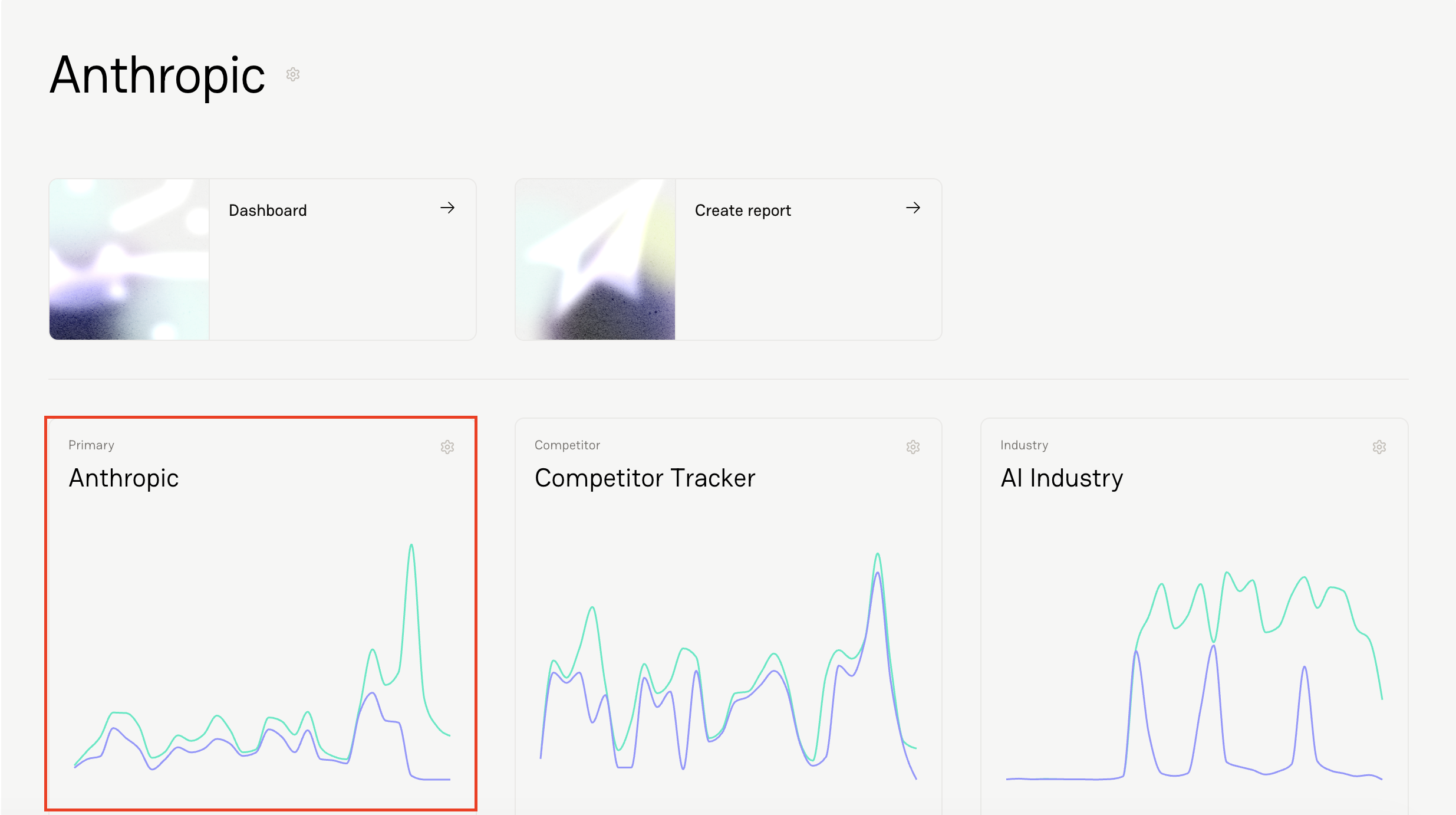
Select the coverage tracker.
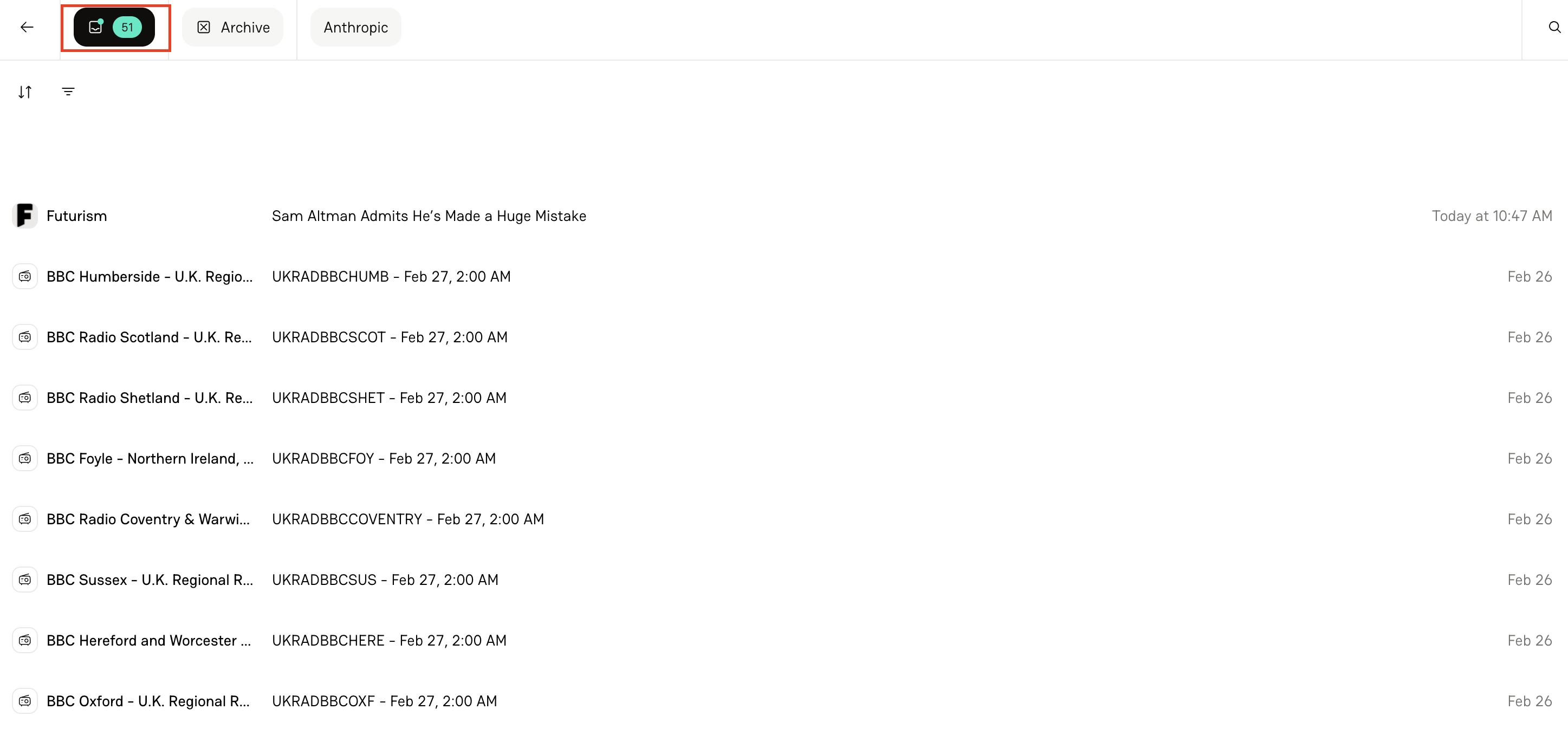
Click the Mailbox icon on the top left-hand corner of your screen.
Using Filters to Cut Through Noise
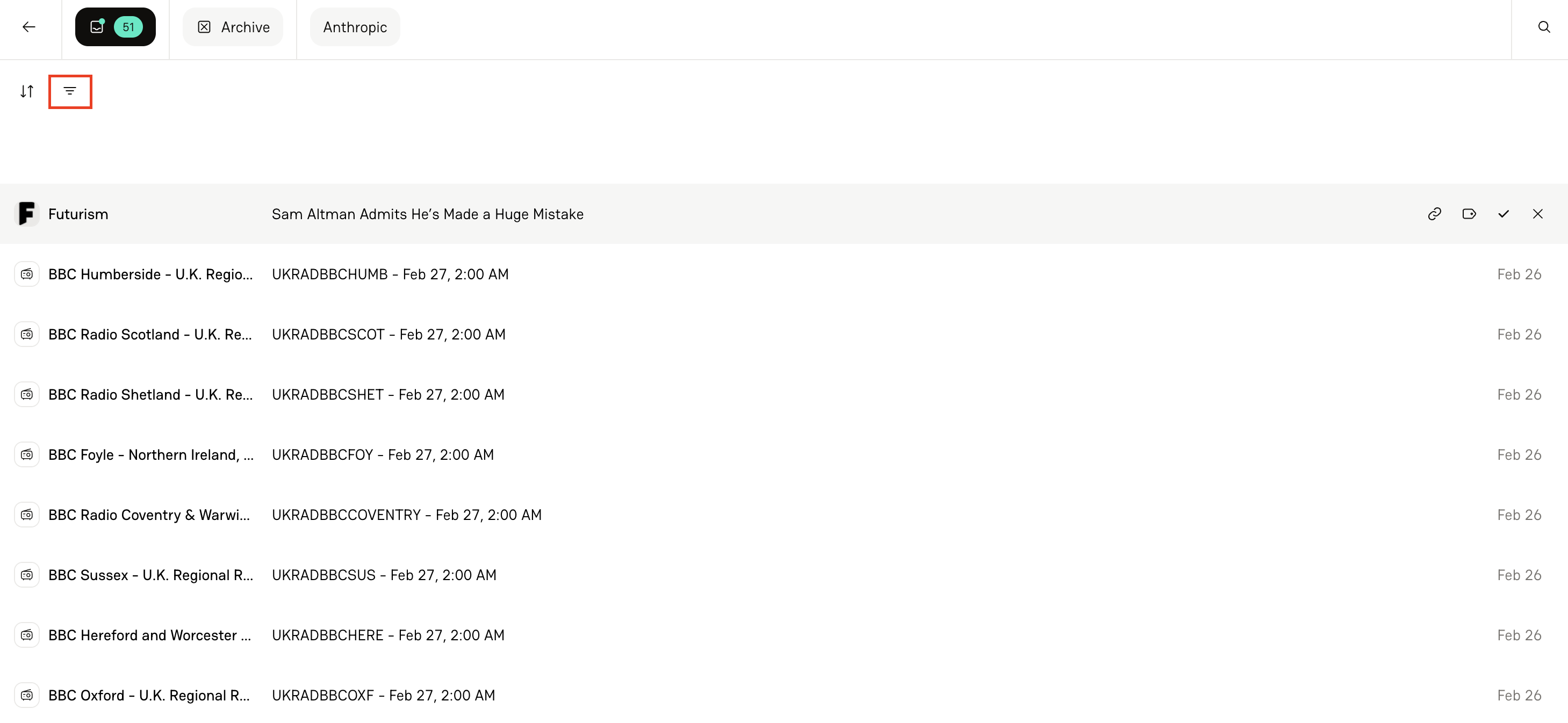
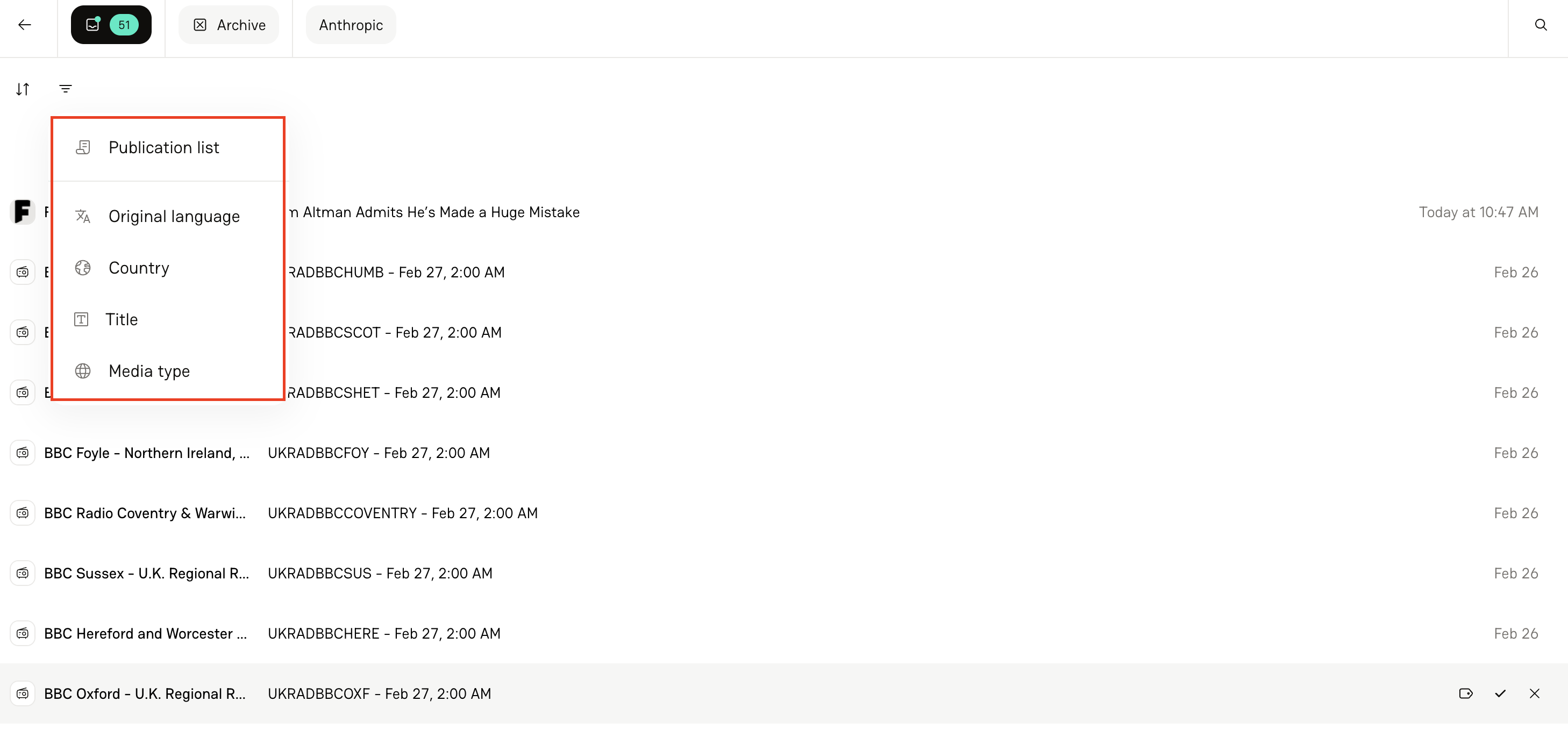
The Inbox includes powerful filtering options so you can quickly narrow your view. By selecting the Filter icon, you can organize by:
Publication list (e.g., just your Top 100 or Tier 1 publications)
Language
Country or Region
Choose individual countries
Create custom regions
Use predefined regional groupings
Title
Filter for articles that contain specific words
Use “does not contain” for exclusion
Apply binary filters (e.g., is / is not on Tier 1 list)
Media Type
Filters can be combined to create highly specific views — making it easy to prioritize the coverage that matters most.
How to Block a Publication
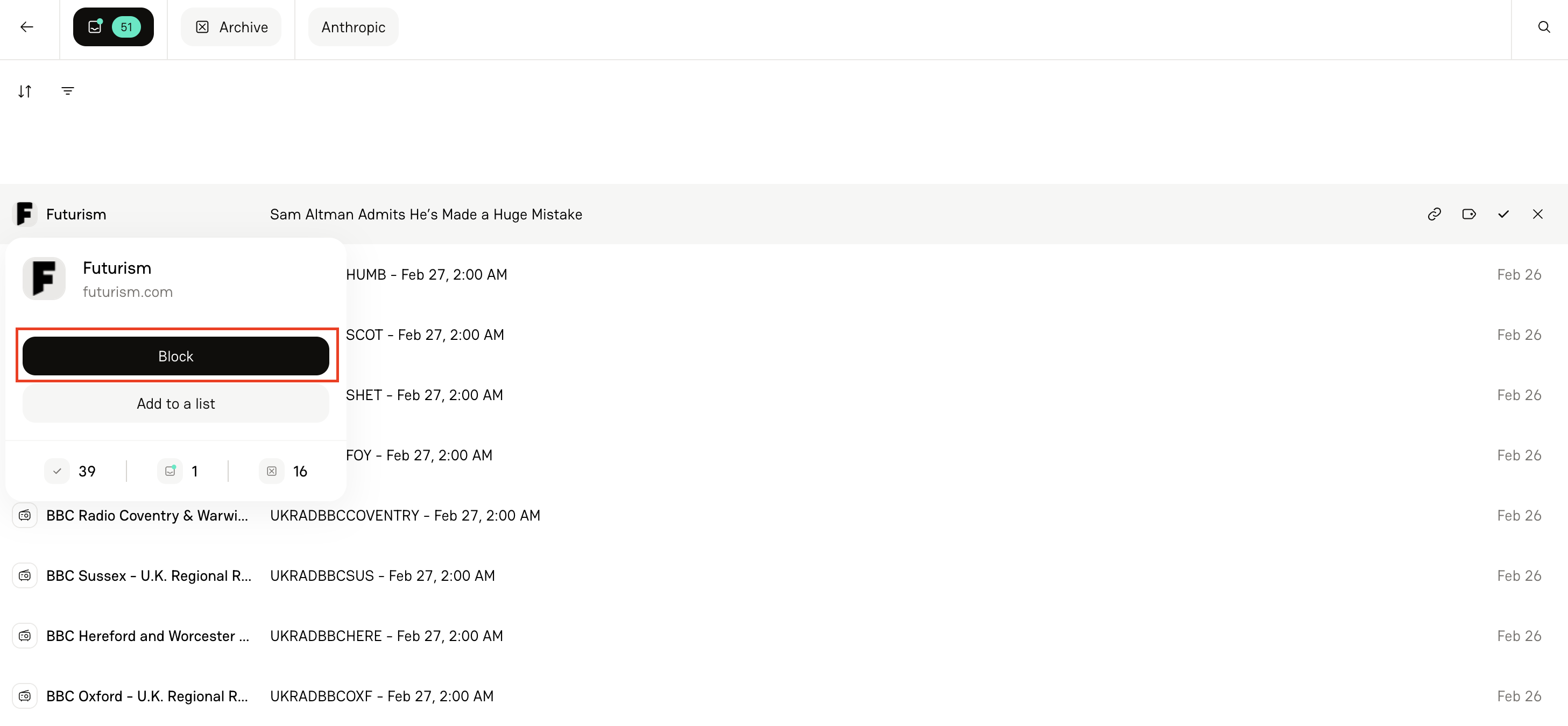
Hover over the publication name in your Inbox.
Click on it to open the dropdown menu.
Select Block.
Once blocked:
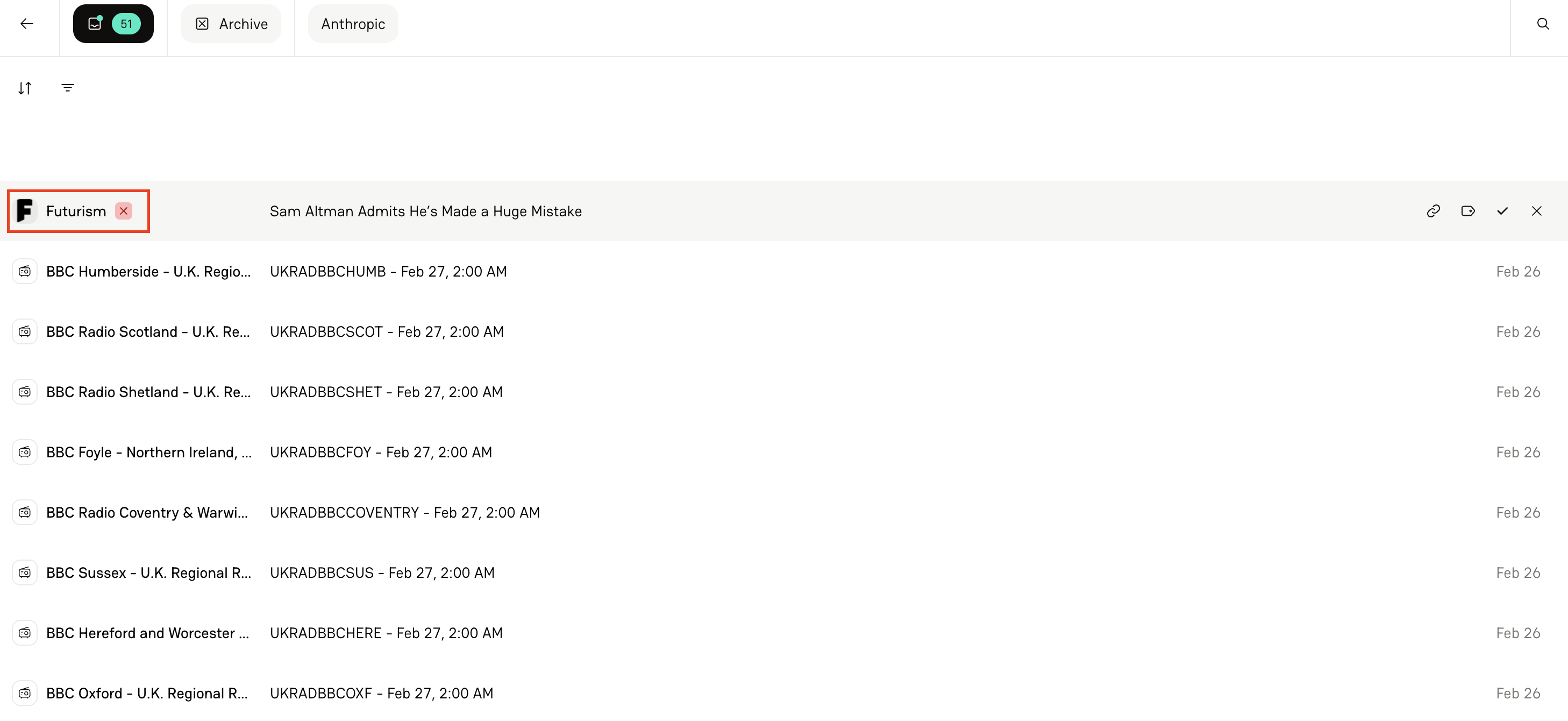
That publication will never appear in your Inbox again.
You’ll see a small red X next to the publication name indicating it’s blocked.
Even if you tracked it in the past, new coverage from that publication won’t reappear.
Bulk Blocking
To clean up fast:
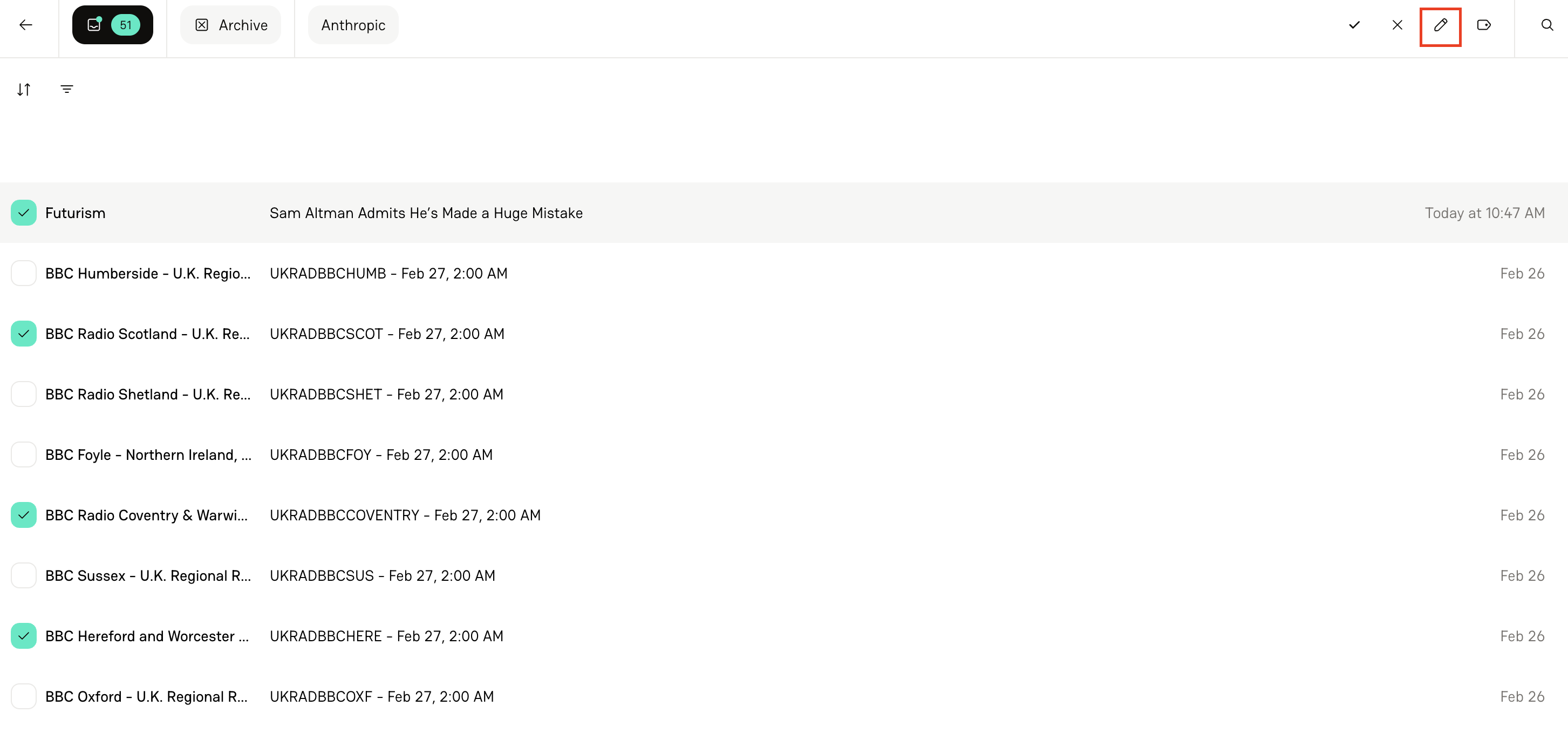
Multi-select publications
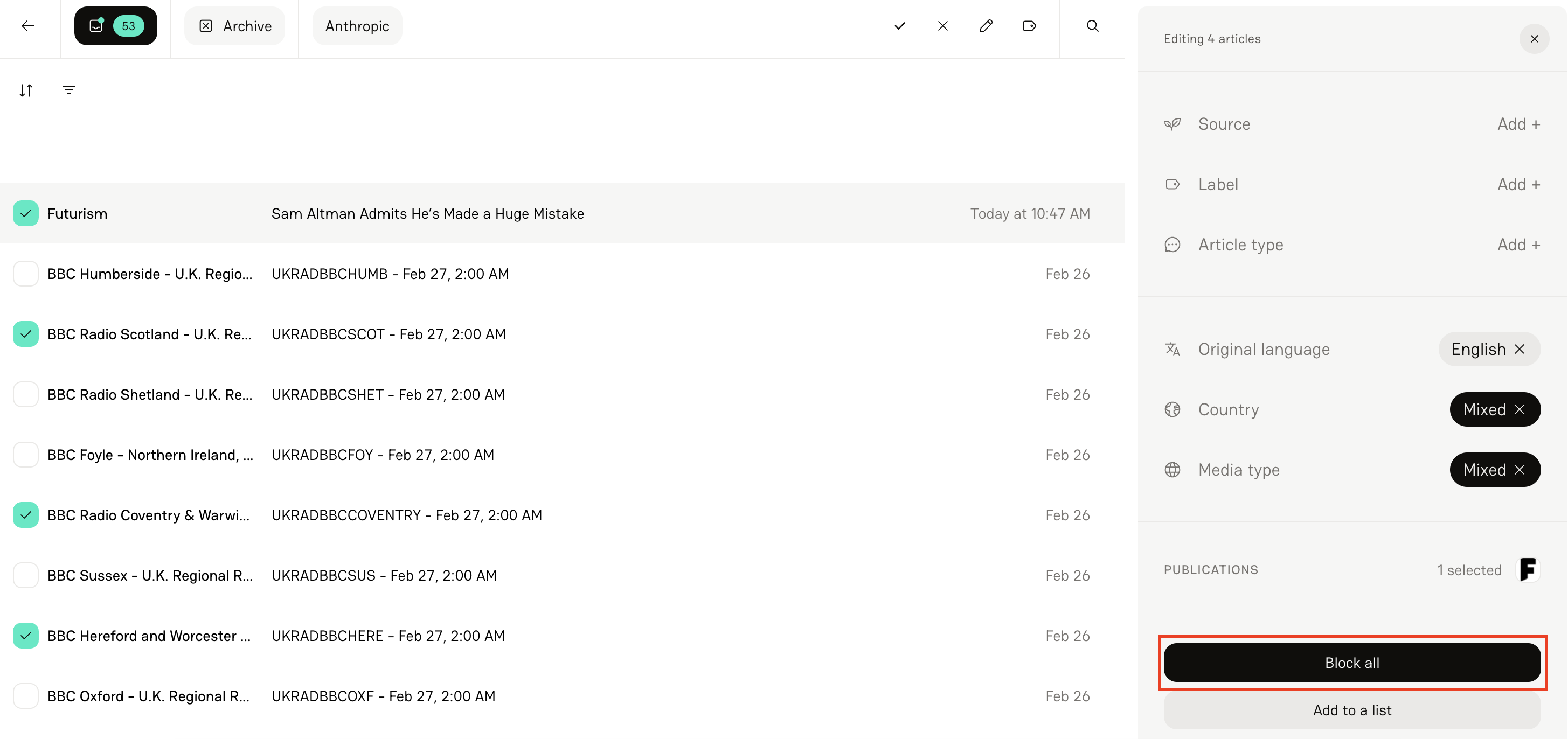
Click the Pencil icon at top right-hand corner of your screen
Block them all at once
Taking Action on Articles
At the article level, you have several options:
Open link (Keyboard shortcut: O)
Add label (Shortcut: L)
Track article (Shortcut: T)
Archive article (Shortcut: A)
These keyboard shortcuts make inbox cleanup fast and efficient.
When you:
Track an article → It moves into your Tracker
Archive an article → It moves into your Archive
The goal is a clean Inbox — everything should either be tracked or archived.
FAQs
1. How often should I clear my Inbox?
We recommend at least once per day — more frequently if you have high coverage volume.
2. What’s the difference between the Tracker and Archive?
Tracking sends the article through full analysis and into your Tracker. Archiving removes it from your Inbox without tracking.
3. Can I filter by multiple criteria at once?
Yes — you can combine filters (e.g., Publication List + Region + Media Type) to narrow results.