Quick Search
Quick Search is one of the fastest ways to explore coverage in Delve — especially when you’re looking into a specific topic, trend, or keyword historically.
Quick Search includes built-in filters, making it much easier to refine results without jumping into your tracker. This is especially helpful when you’re exploring broader topics and want to narrow results quickly.
How to Use Quick Search
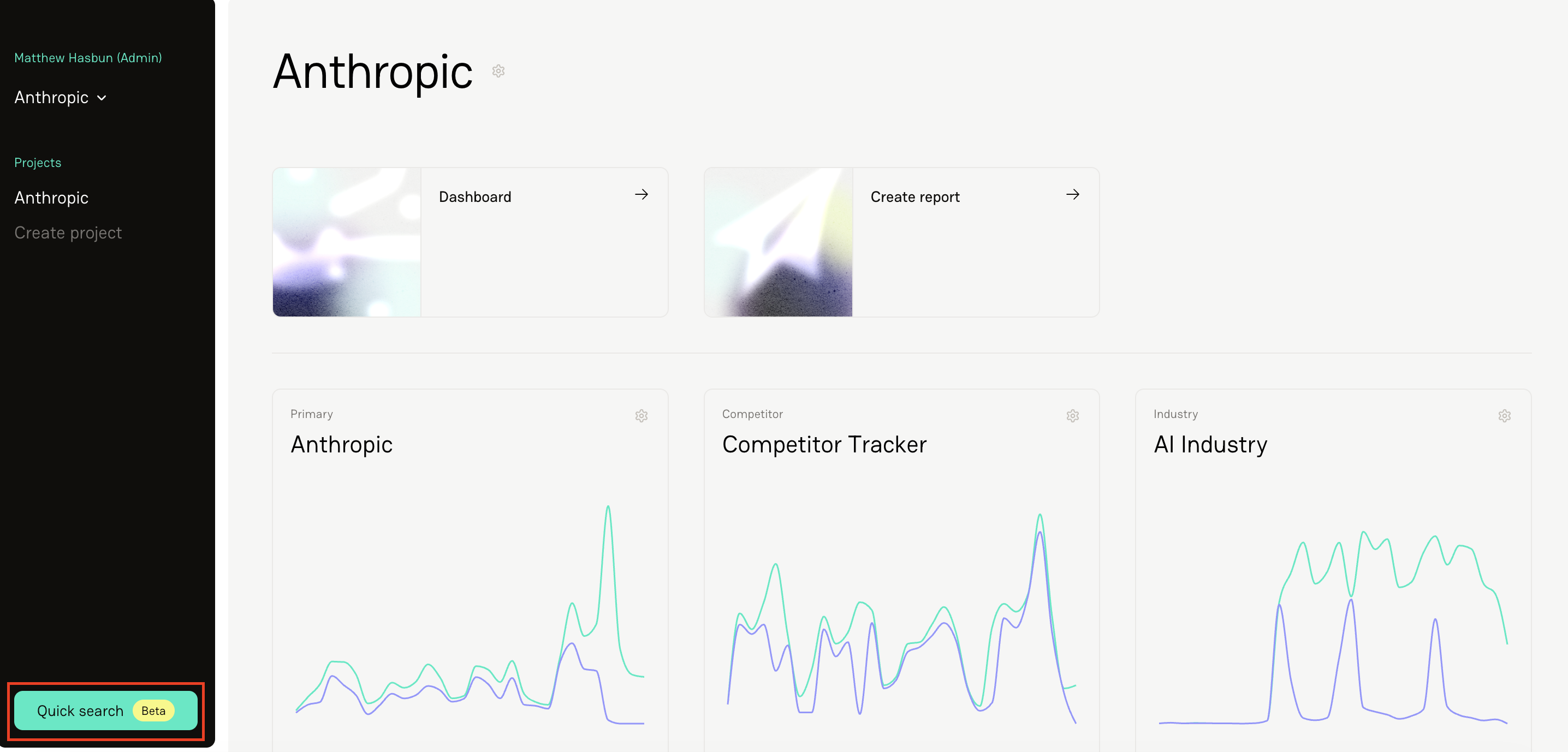
Click the Quick Search button at the bottom left-hand corner of your screen.
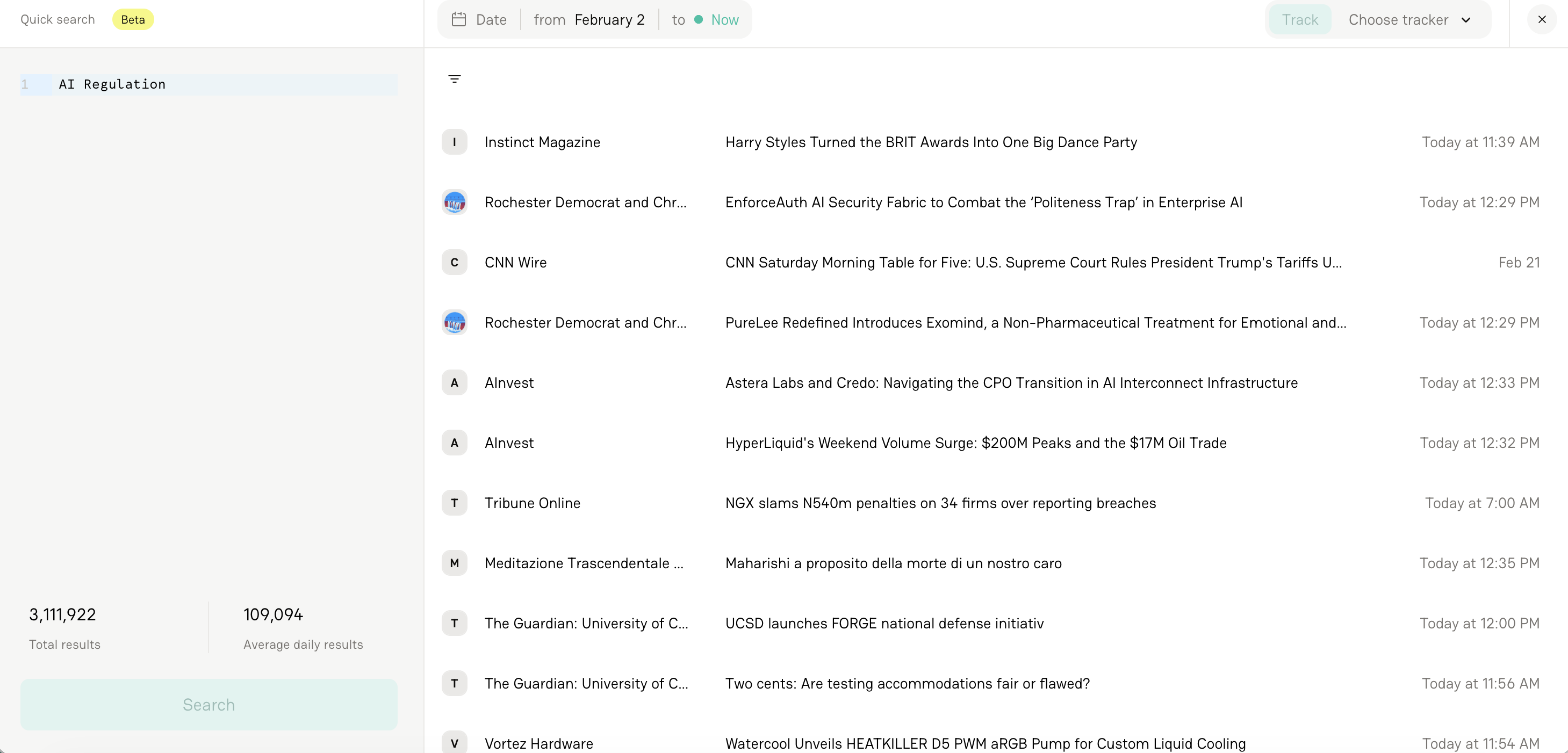
Enter your search term (e.g., “AI regulation”).
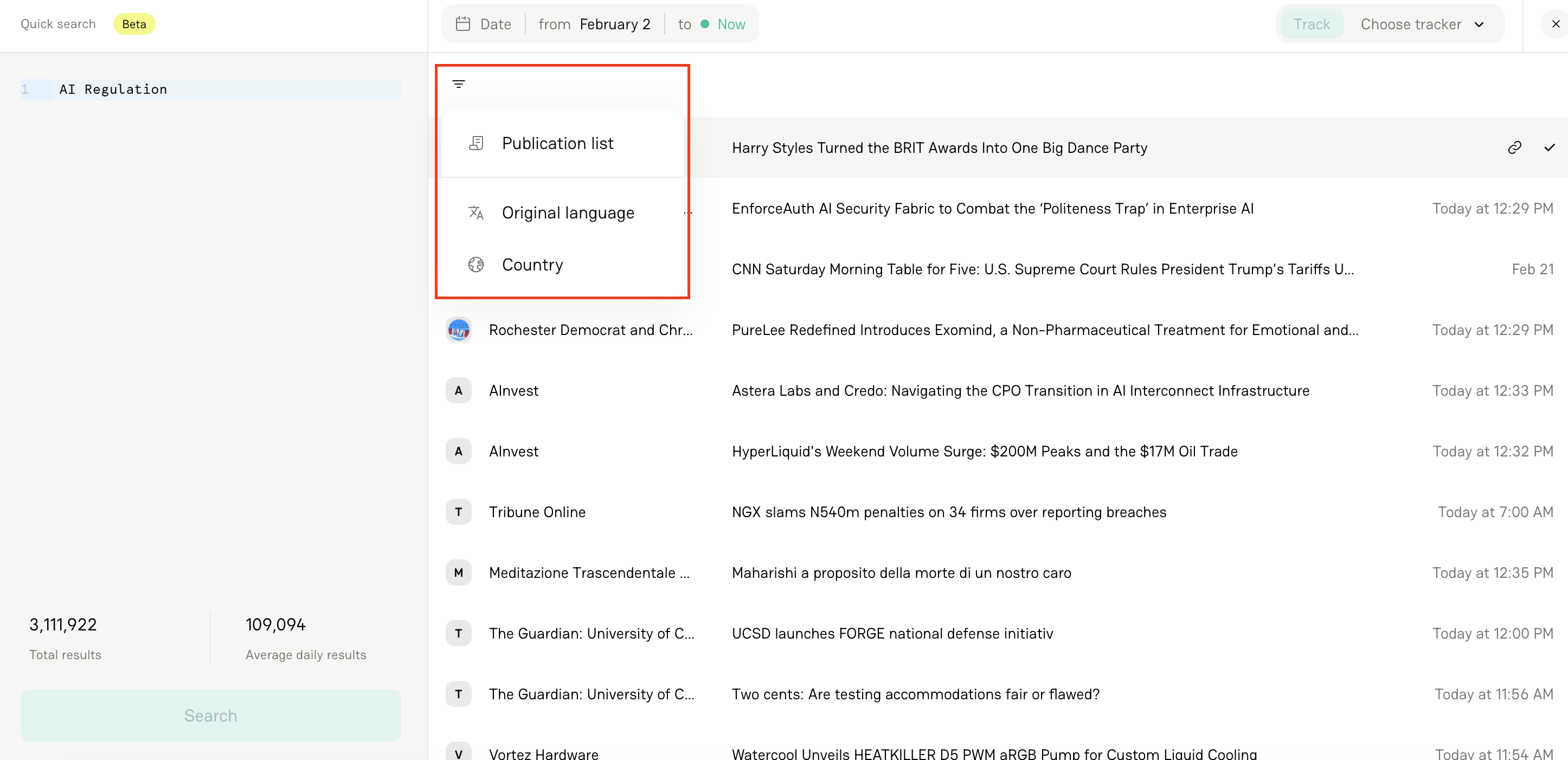
Click the Filter button at the top of the results list and organize results by:
Publication List
Language
Country
FAQs
1. Can I filter by publication list?
Yes — select your publication list from the filter dropdown.
2. Can I use custom regions in country filters?
Yes. Any regions you’ve created in your project are available.
3. Can I use Quick Search for reporting?
Absolutely. It’s a great way to explore historical data before building a formal report.